
Dead Space Remake – Optimal Graphics Settings
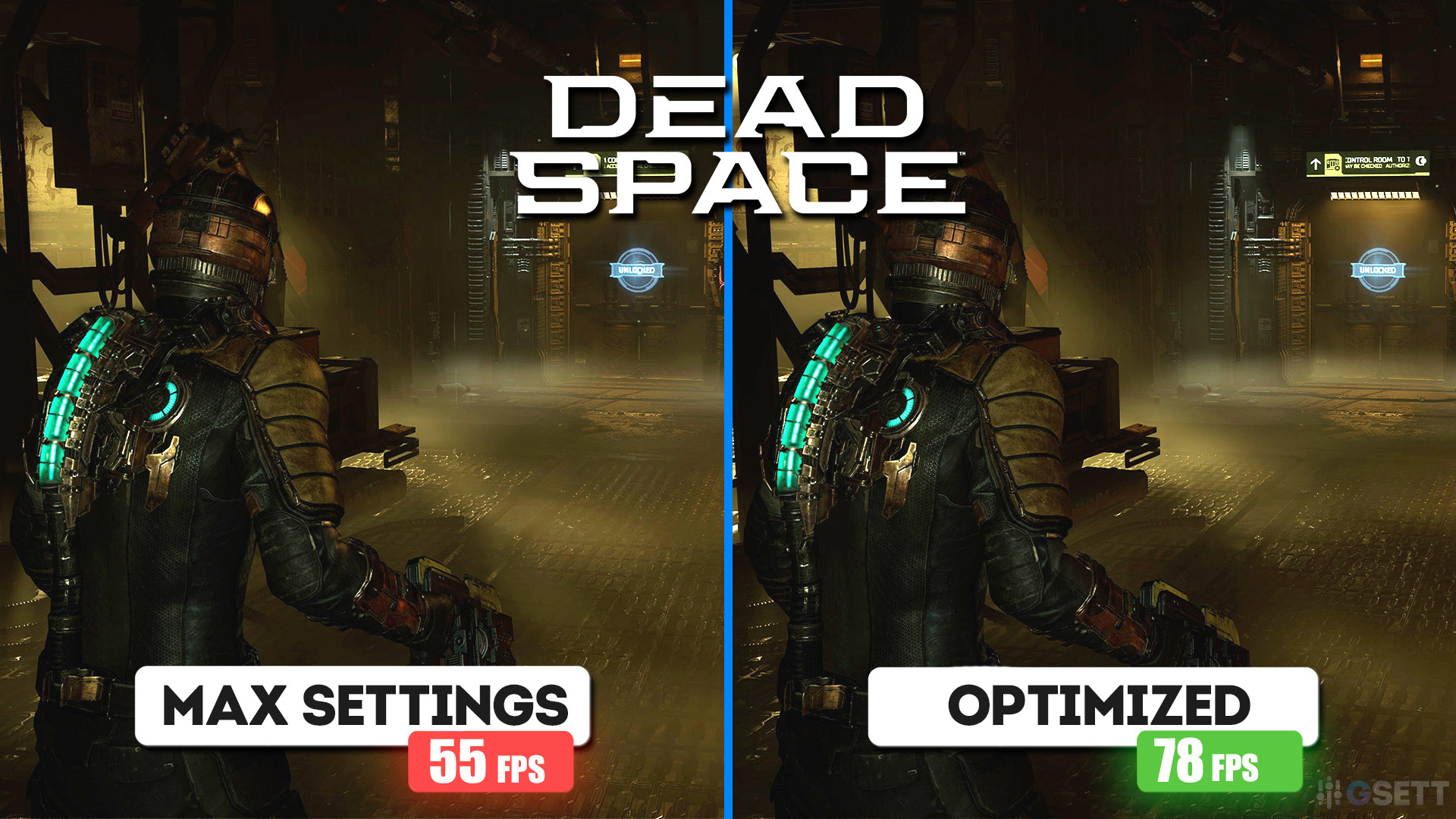
This graphics settings guide for the Dead Space remake will show you how each individual setting affects visuals and frame rate. The optimal settings I selected will significantly increase FPS compared to maximum settings, while still preserving nearly the same level of graphical quality.
Testing was conducted at a resolution of 3440×1440 on:
- GIGABYTE RTX 5070Ti Windforce OC 16Gb
- AMD Ryzen 5 7500F
- MSI Pro B650-S WIFI
- ADATA XPG Lancer 6000MHz Cl30 32Gb
These optimal settings are not targeted at any specific PC configuration. These optimal settings are designed to boost FPS on any PC, while maintaining graphics quality as close to Ultra as possible. This guide will help you find the best graphics settings for smooth performance in this game.
- Start by applying these recommended settings.
- If your FPS is still below your target, consult the detailed breakdown of each graphics option in this guide to adjust them for maximum performance and smoother gameplay.
- Conversely, if you have performance headroom, you can increase certain settings to further improve visual quality.
Table of Contents
Dead Space Best Settings
- Light Quality: «High»
- Shadow Quality: «High»
- Reflection Quality: «Medium»
- Volumetric Resolution: «Medium»
- Ambient Occlusion: «SSAO»
- Depth of Field Quality: «High»
Light Quality
I only noticed a difference in visuals and performance when switching from Low to Medium. Between Medium, High, and Ultra, there wasn’t a meaningful difference in either visuals or performance.
At Low, many light sources don’t cast proper light, making environments excessively dark.

Low

Medium

High

Ultra

For safety, I still recommend using the High option.
Optimal Setting: «High»
Shadow Quality
This setting affects only contact shadows. Again, the biggest noticeable difference is between Low and Medium. Pay attention to shading on the protagonist, floor grates, and crates:
Low

Medium

High

Ultra

Optimal Setting: «High»
Reflection Quality
This setting controls the quality of cubemap and SSR reflections. However, the Screen Space Reflections implementation in this game is quite poor, and on the High and Ultra options, such reflections often appear noisy and flicker in many locations:
Low

Medium

High

Ultra

In other areas, these reflections look only slightly different, and I wouldn’t say they are significantly better than on the Medium option. Therefore, considering that Medium quality also provides a decent FPS boost, I recommend using it.
Optimal Setting: «Medium»
Volumetric Resolution
This parameter affects the resolution of volumetric fog. Note that the impact on performance and fog quality also depends on your monitor’s resolution and scaling mode if you’re using one. In my native 1440p resolution, the visual difference between options isn’t very noticeable.
Low

Medium

High

Ultra

I recommend using Medium quality.
Optimal Setting: «Medium»
Ambient Occlusion
This setting is responsible for shading in corners and where surfaces meet. SSAO has minimal performance impact and looks quite good. RTAO darkens these areas more strongly but significantly reduces framerate:
Off

SSAO

RTAO

In my opinion, this performance drop isn’t worth it, so I recommend using SSAO.
Optimal Setting: «SSAO»
Depth of Field Quality
The depth of field quality setting only affects background blur during cutscenes. During regular gameplay, it has no effect. So, you can leave it on High.
Optimal Setting: «High»
Conclusion
The Dead Space remake (released in 2023) quickly became infamous for its poor optimization, with strong stutters and frame drops even on high-end PCs. Since release, there haven’t been many performance-focused patches, so issues like hitching during area loading still occur.
To help smooth this out, I recommend capping FPS (for example, via Rivatuner or the NVIDIA app) and leaving some performance headroom. For example, if your framerate fluctuates around 65–80 FPS, cap it at 60 FPS. This will improve smoothness due to a more stable framerate. Also, enable Resizable BAR, as it significantly improves performance in this game.
Using these optimal graphics settings for Dead Space Remake, you can achieve about 40–50% more FPS compared to maximum settings, while preserving graphical quality almost at the same level.
For example, here are comparisons in 5160x2160p resolution on a Ryzen 7500F and RTX 5070 Ti, with TAA anti-aliasing used in both cases:
Ultra

Optimized

The difference in fog on the screenshots is only because it moves constantly, making identical screenshots impossible. There is no actual difference in fog quality here.

Subscribe
0 Comments
Most Voted